10 Signs Your Hotel Needs an Integrated PMS and Channel Manager
Double bookings, manual rate updates across five OTAs, and zero visibility into real-time occupancy aren't just annoying — they're signs your hotel has outgrown its current setup. This post walks through 10 warning signs that it's time to move from disconnected tools to a proper integrated PMS and channel manager, with practical fixes for each.
Table of contents

Most hotel owners don't wake up one day and decide to overhaul their tech stack. It happens gradually. A double booking here, a missed rate update there, a front desk staffer typing the same reservation into three different systems. By the time you notice the pattern, you've probably already lost a few bookings to it.
If any of the signs below sound familiar, it's worth asking whether your hotel PMS and channel manager are actually doing their job, or just barely keeping up. Below are ten signs it's time to look at proper hospitality management software instead of patching together separate tools.
1. You're Updating Rates Manually on Every OTA
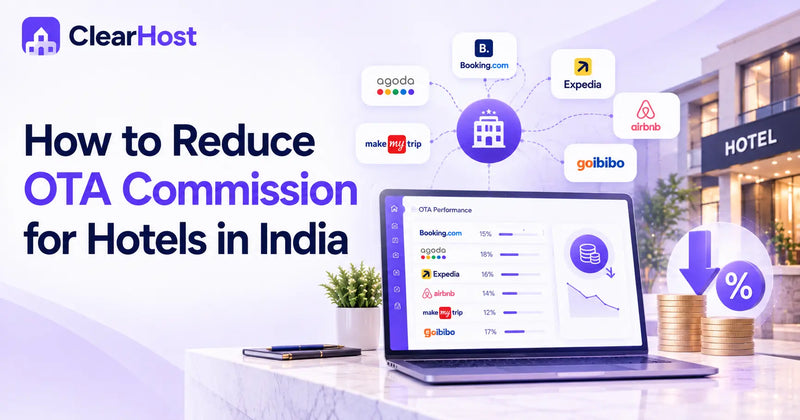
If changing a weekend rate means logging into Booking.com, then MakeMyTrip, then Agoda, one at a time, you're running on borrowed time. A proper OTA Channel Manager pushes one rate change everywhere at once. The manual version works fine until the day you forget a channel and sell a room at last month's price.
Change a rate once, and it's live on every channel within seconds.
2. Double Bookings Keep Happening
This is usually the sign that finally forces the decision. Two guests, one room, an awkward phone call. Disconnected systems don't sync inventory in real time, so a room booked on one OTA can still show as available on another for minutes or hours. Real hotel management software closes that gap automatically.
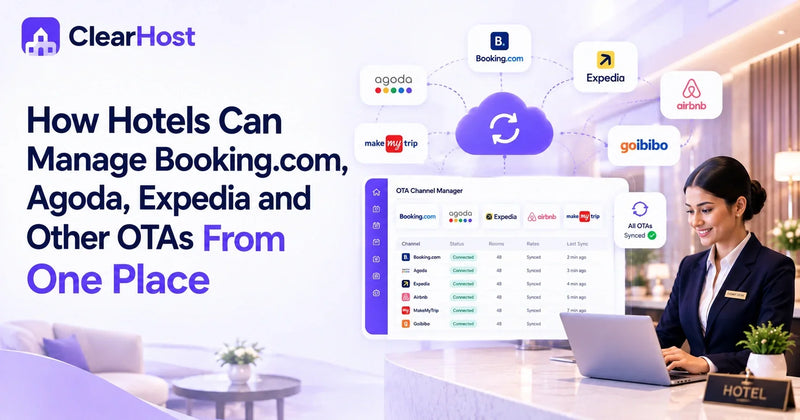
Every room, rate, and channel visible on one screen, not five.
3. Your Front Desk Juggles Five Different Logins
Reservations in one tab, housekeeping in another, a separate spreadsheet for group bookings. Every extra login is a place where information can go stale or get typed wrong. Staff spend more time switching screens than talking to guests.
4. You Can't See Performance Across Channels
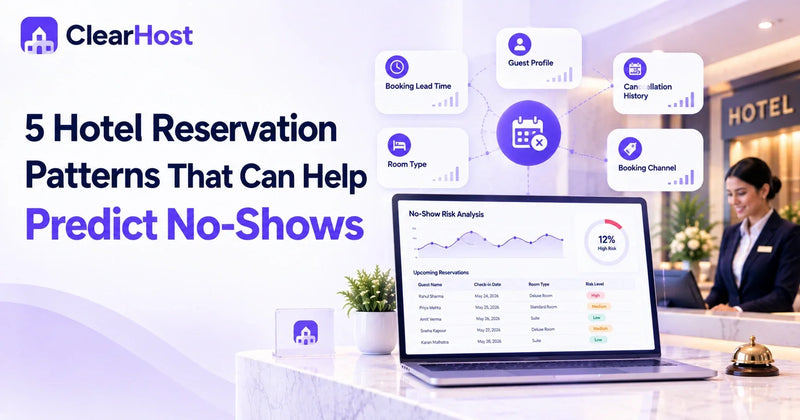
If you can't pull up occupancy, ADR, and revenue by channel without exporting three reports and pasting them into Excel, you're flying blind. Good hospitality management software gives you that view on one screen, not assembled after the fact.
Occupancy, revenue, and ADR across every channel, live, on one screen.
5. Your OTA Commissions Are Eating Your Margins
OTAs typically take 15 to 25 percent off every booking they send you. That's fine when it's a small share of your business. It stops being fine when it's most of your business because you never built a real alternative. This is usually where a direct booking engine, paired with your hotel booking software, starts paying for itself.
6. Onboarding a New Channel Takes Days, Not Minutes
Adding a new OTA shouldn't require a developer or a week of back and forth. If it does, your systems weren't built to talk to each other in the first place.
7. You're Still Reconciling Bookings by Hand at Month End
Manually matching payouts against reservations across five OTAs is a special kind of tedious. It's also where errors hide the longest, because nobody wants to redo that spreadsheet twice.
8. Your Software Vendors Blame Each Other for Bugs
When your PMS, your channel manager, and your booking engine come from three different companies, a sync error becomes a support ticket ping-pong match. Nobody owns the problem end to end.
9. You Have No Idea What "Occupancy Right Now" Actually Means
Ask your front desk for today's real-time occupancy and see how long it takes to get an answer. If it takes more than a glance at a screen, your systems aren't integrated, they're coexisting.
10. You're Growing, and the Cracks Are Showing Faster
A second property, a few more rooms, a busier season, any of these can turn a barely-working setup into a genuinely broken one. This is usually the point where hoteliers stop patching things together and look for actual OTA hotel management built as one system rather than five stitched together.
What an Integrated Setup Actually Looks Like
None of this means every hotel needs to rip out its tools overnight. But if three or more of the signs above sound like your Tuesday, the fix isn't another standalone tool, it's a hotel PMS and channel manager built to work as one system from the start. Rates sync everywhere the moment you change them. Reservations, OTA connections, and front desk operations sit on the same screen. That's the whole point of good OTA hotel management: fewer places for something to quietly go wrong, and no need to reconcile five tools that were never designed to talk to each other.
One inventory screen, connected to every major OTA a hotel actually sells on.
If you want a deeper look at how a modern hotel management software platform compares to piecing tools together yourself, our complete buyer's guide walks through what actually matters when you're choosing one. And if OTA sync specifically is your pain point, this piece on managing multiple OTAs with a channel manager goes deeper on that side of things.
Frequently Asked Questions
1. What's the difference between a PMS and a channel manager?
A PMS handles the day-to-day running of your property: reservations, check-ins, housekeeping, and billing. A channel manager syncs your rates and availability across OTAs like Booking.com and MakeMyTrip. Used separately, they still require some manual bridging. Used together as one hotel PMS and channel manager, updates flow between the two automatically.
2. Is integrated hotel software only worth it for larger properties?
Not really. A ten-room homestay can lose a booking to a sync error just as easily as a hundred-room resort. If anything, smaller properties feel the cost of manual work more, since there's rarely a dedicated staff member to catch the mistakes.
3. How long does it take to switch to a new hotel management software?
It depends on the vendor, but a well-built onboarding process should move your rooms, rates, and existing reservations over without weeks of downtime. Ask any vendor you're evaluating for a specific timeline before you commit.
4. Can integrated hotel booking software still connect to OTAs I already use?
Yes, and it should be one of your first questions when evaluating a platform. Look for direct integrations with the OTAs that actually drive your bookings, not just a long logo list on a website.
5. Does an OTA channel manager stop overbookings completely?
It gets close. Real-time, two-way syncing means the moment a room sells on one channel, it's blocked everywhere else. The occasional edge case still happens, usually during OTA-side outages, but it's a fraction of what manual updates produce.